Whisper Large v3 Turbo
DefaultOpenAI
Covers 99 languages and cleans up filler words, so transcripts read tidier than they were spoken. Pick this if you are not sure.
On-device. Offline. Private.
Wave Speak turns your voice into text, entirely on your Mac. Dictate wherever you type, or drop in a recording.
Free for 14 days. One-time purchase, no subscription.
Dictate anywhere
One sentence, two languages
Speak English and Chinese in the same breath, with no mode to set.
我review了一下你的design doc,整体approach没问题,但是scalability那一段要再补一下。
Strongest with Qwen3 for mixed English and Chinese. The default Whisper model covers 99 languages and switches between them too.
Turn recordings into text
Lectures, meetings, interviews, voice memos. Drop in audio or video, in any of 23 formats, and save it as plain text or as subtitles.
Wave Speak Pro
Paste a YouTube, podcast, or video link. Pro fetches the audio and transcribes it on your Mac with the same models. No browser, no upload.
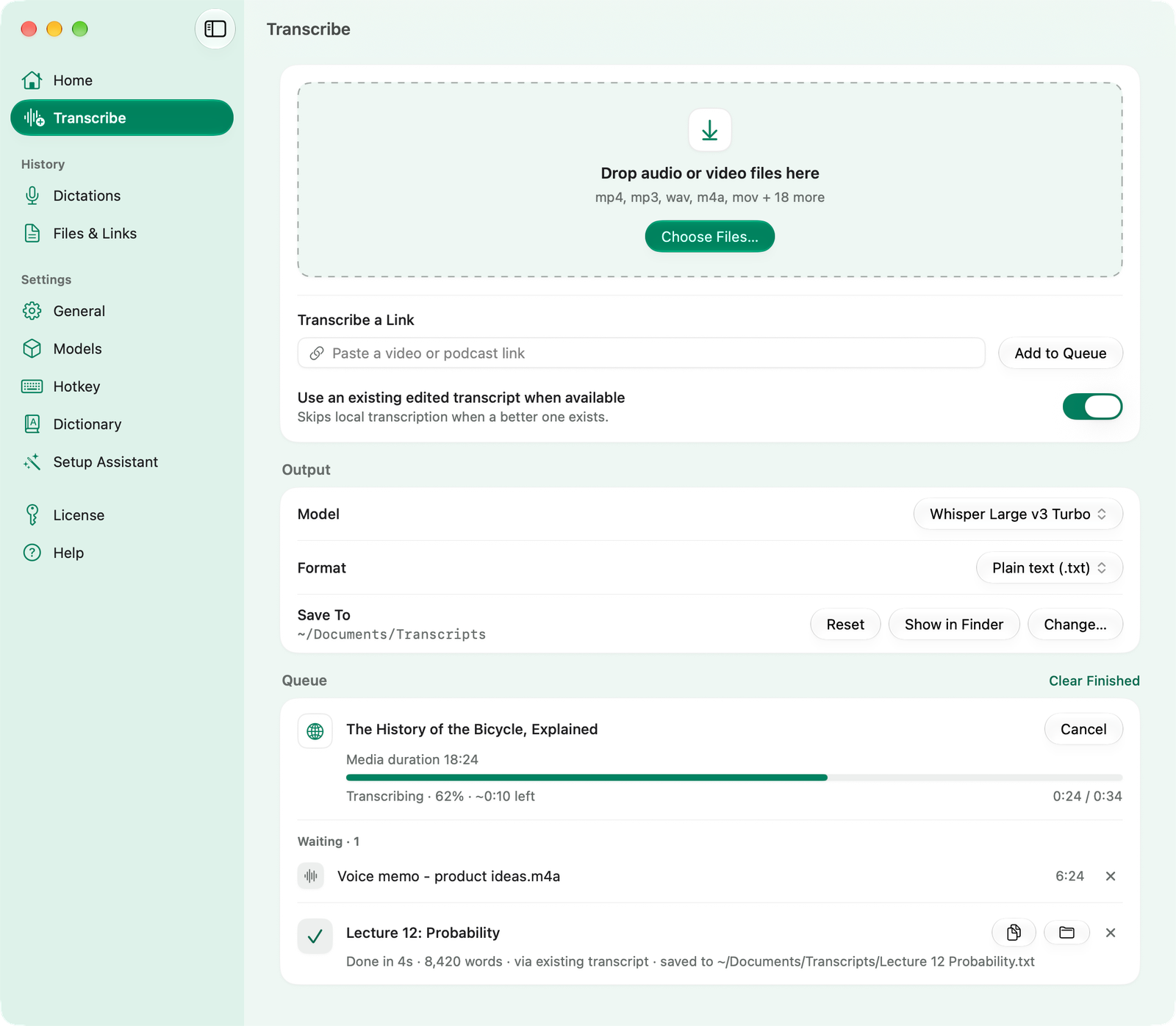
If a video already has human-made captions, Pro uses those instead, which is even faster.
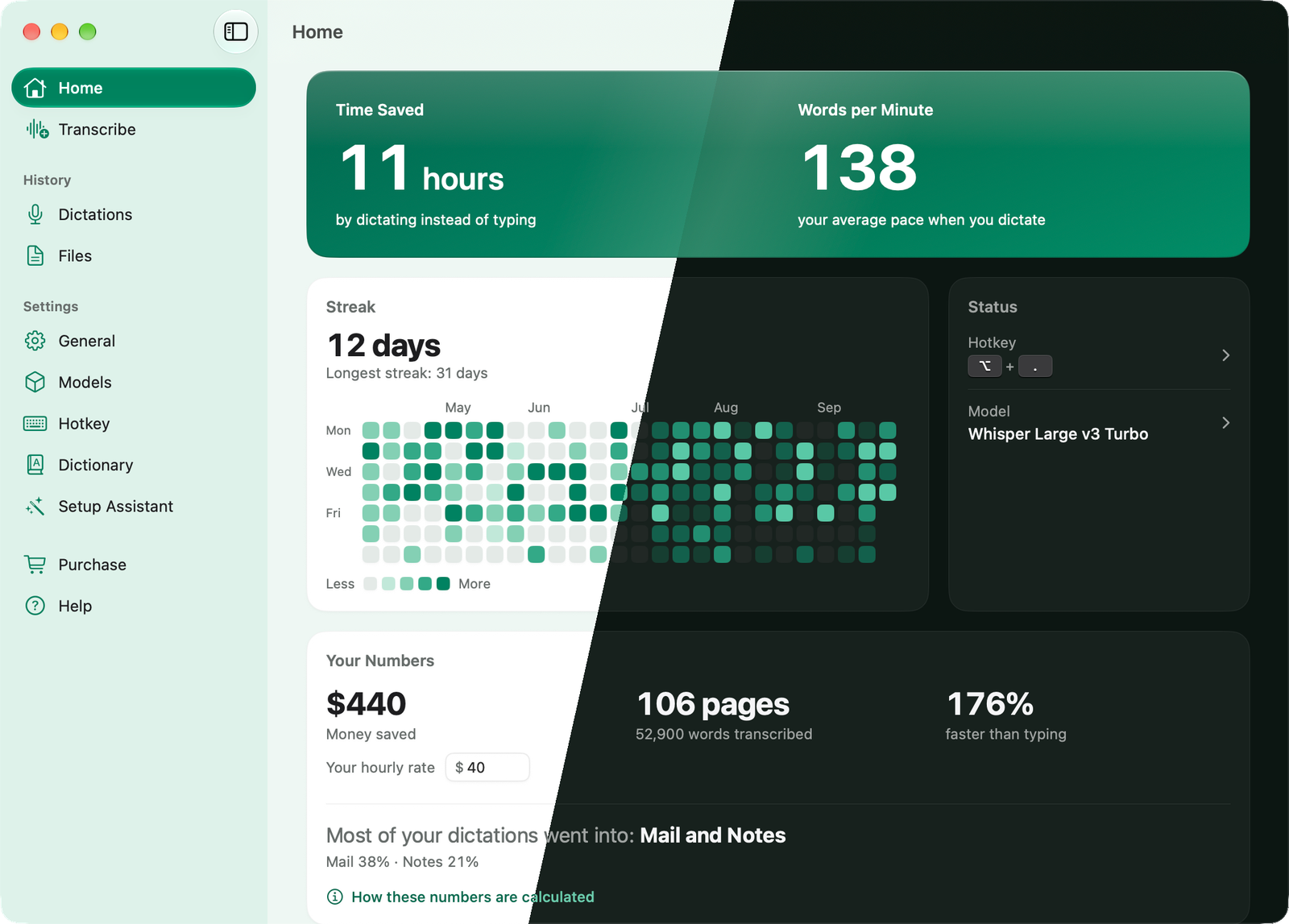
Home
Hours saved, words per minute, and your streak. In light and in dark.
Built in
Three of the latest open-source speech models, each from a different maker, ready from the first launch.
OpenAI
Covers 99 languages and cleans up filler words, so transcripts read tidier than they were spoken. Pick this if you are not sure.
Alibaba
Transcribes word for word and stays accurate through noise, accents, and mixed languages. Strongest on mixed English and Chinese.
NVIDIA
Near-instant, for English and 24 more European languages. Pick this for raw speed in one of them.
And more
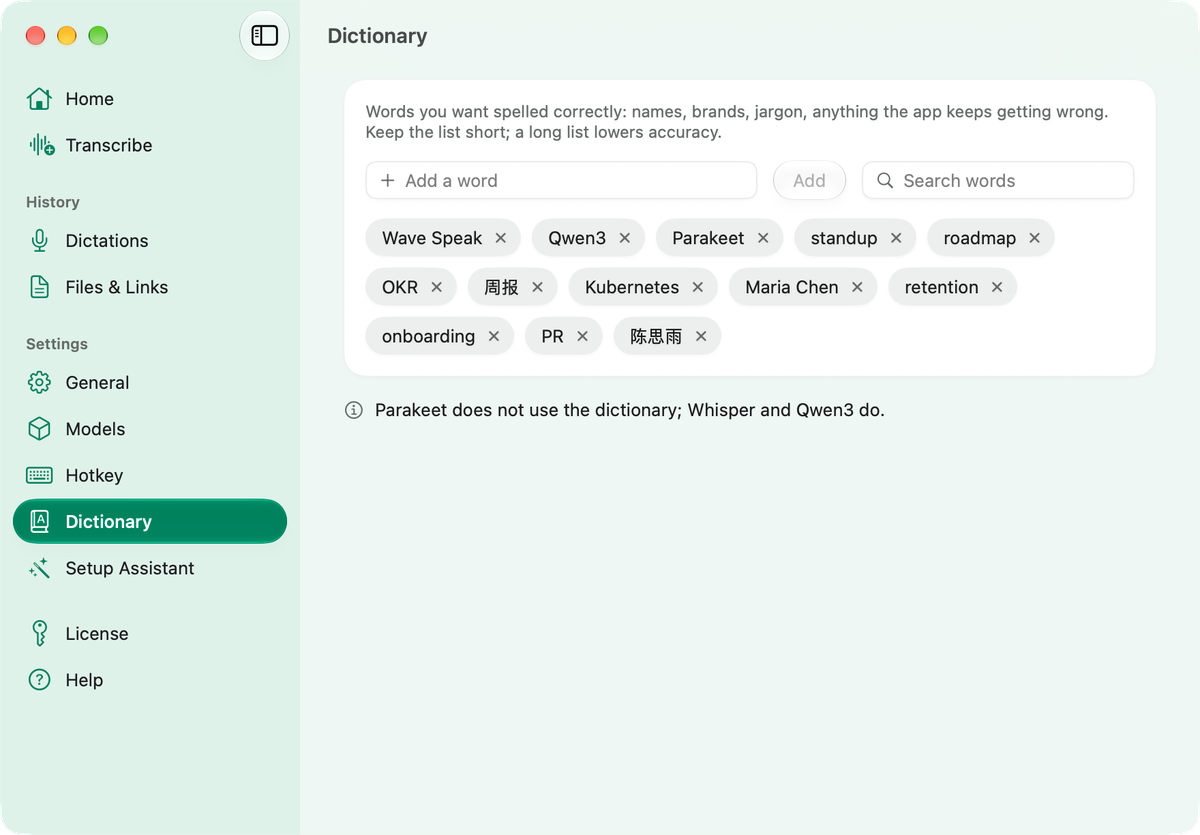
Add the names, brands, and jargon you use, so they come out spelled right.
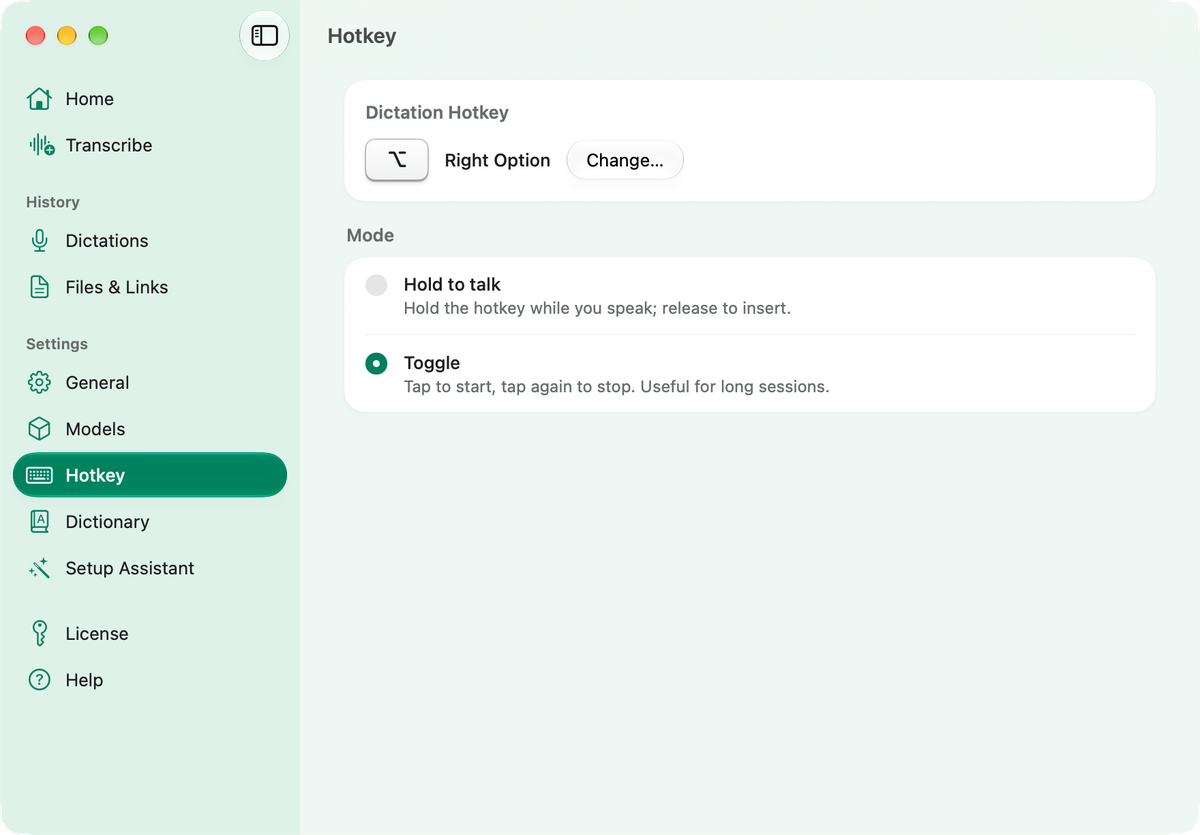
Pick your own key combo. Hold to talk, or tap to toggle for long sessions.
Your last 100 dictations and transcripts, ready to find, copy, or save.
Lives in the menu bar and stays out of your way. Minimalist by design.
Private by design
Every model runs on your Mac. No account, no servers, no tracking: your voice, your transcripts, and your files never leave it. And it all works offline: on a plane, in a dead zone, or with the Wi‑Fi off.
One-time purchase
Two editions, each with a 14-day free trial of everything.
Wave Speak
From the Mac App Store.
Price varies by region.
Apple Silicon Mac (M1 or newer). macOS 26 or later.
Wave Speak Pro
Direct from wavespeak.app.
Everything in Wave Speak, plus
Apple Silicon Mac (M1 or newer). macOS 26 or later.
Why are these three Pro-only?
Not by choice. Every App Store app follows the same safety rules, and these three features need more freedom than the rules give. So they live in the direct version, downloaded from this site.
I built Wave Speak for myself first. I got tired of dictating in one app and copying the result into the one I actually needed, and I did not want a meter running every time I used it. So I made the version I wanted: that same quality of dictation, landing right where you are already typing, running entirely on your own Mac. You can write as fast as you think. I hope it takes a little friction out of your day too.
The maker of Wave Speak